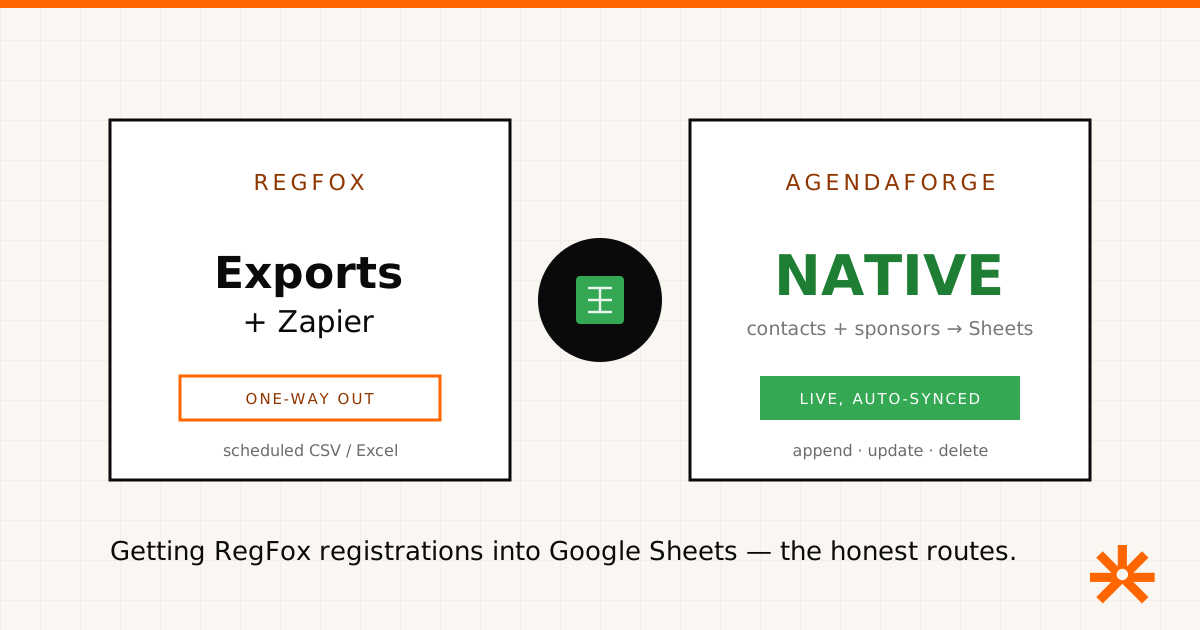
Short answer: RegFox has no native Google Sheets integration — but unlike some registration tools, its built-in export and reporting is strong enough that you may not need one. For a genuinely live sheet you’ll still reach for a third-party bridge. Here are the honest routes, what each is good at, and where a built-in sync exists if that’s the real goal.
Disclosure: we build AgendaForge, an event platform that overlaps with parts of RegFox and has its own native Google Sheets sync. We’ll be clear about where it fits and where it doesn’t. RegFox details below come from RegFox’s own public help center and feature pages; things change, so verify before you build.
The two routes at a glance
| Native exports | Zapier-style bridge | |
|---|---|---|
| How | Reports → download / schedule CSV, Excel | Trigger on new registrant → add row |
| Tools | RegFox only | Zapier, Make, Pabbly (paid) |
| Freshness | Snapshot, but schedulable + auto-emailed | Live — new rows append automatically |
| Coverage | Registrants, transactions, products, coupons, waivers | Usually just registrations |
| Direction | One-way, export | One-way, out of RegFox only |
| Best for | Rich reporting on a cadence | An always-current row-per-registrant sheet |
Route 1 — RegFox’s native exports (better than you’d expect)
This is where RegFox earns credit. Its Exports and Reports tools let you download a Registrant Data Report, plus Transactions, Attendee (check-in), Products, Coupons, Payout, Waivers, and more, as CSV or Excel. You can customize the columns to include exactly what you need, filter and “memorize” a report, and — the part people miss — schedule a report to run on a set day and email itself to your inbox.
For a lot of teams, that scheduled, auto-emailed export is the Google Sheets workflow: open the file in Sheets when it lands. And it covers financial and product data that a simple row-per-attendee sync would never capture. If your real need is periodic reporting rather than a second-by-second live list, start here before adding any tooling.
Route 2 — an automation bridge (live, paid, one-way)
When you want a sheet that updates the instant someone registers, you bridge RegFox to Google Sheets through an automation platform. In Zapier, a New Registrant trigger feeds a Create Spreadsheet Row action; Make and Pabbly do the equivalent.
Know two specific limits before you commit. First, RegFox’s Zapier connection is one-way out only — it can pull registrations into a sheet, but nothing you do in the sheet flows back into RegFox. Second, it only sends registrations that occur after you switch the integration on; anyone who registered earlier won’t backfill. And, as with any bridge, you’re taking on a paid tool and one more integration to keep alive.
When a native sync is what you actually want
If you’re wiring RegFox to a spreadsheet because your event’s data is scattered across too many tools, the durable fix is fewer moving parts. AgendaForge’s Google Sheets integration is built in: connect Google once, pick a sheet through the Google Picker, map fields to columns, and event contacts and sponsors sync on their own — rows append when a record is added, rewrite when it changes, delete when it’s removed. No Zapier, no per-task bill. Registrants become contacts, so registration data lands in the sheet the same way.
The honest caveats, because they decide the call:
- One-way, contacts and sponsors only — not two-way, and not the transaction/product/coupon depth RegFox reports on.
- AgendaForge does free registration and RSVPs, not paid registration (paid ticketing is behind a flag, not generally available). RegFox’s paid registration and financial reporting do jobs AgendaForge doesn’t.
So: if you need paid registration and rich financial exports, RegFox’s own reports — or a Zapier bridge — are the right tools, and they’re good ones. If you want the content and registration side of your event to already live in Google Sheets without a middleman, that’s the gap AgendaForge closes. Pricing is published — $2,000 per event (Core) or $4,000 (Pro), on the pricing page — and we’re invite-only while we onboard early partners. Tell us about your event and we’ll bring you in.