Most calls for papers start with good intentions and a clean form. Three weeks later there’s a
spreadsheet named submissions_FINAL_v4.xlsx, an inbox full of bios and slide decks, and a
side conversation about who’s reviewing what. The proposals are fine — it’s the process that
falls apart.
Here’s a five-step playbook for running a call for papers that stays in one piece, whether you’re collecting forty proposals or four hundred.
1. Decide what “accepted” means before you open
The fastest way to a painful selection is a vague bar. Before the call goes live, write down the two or three things a strong proposal must have — a clear takeaway, the right level, a format that fits your tracks — and turn them into your review rubric. You’ll reuse it for every submission, and reviewers will thank you for not having to invent criteria mid-pile.
2. Make the form do the filtering
A good submission form prevents work later. Ask only for what you’ll actually use to decide, use conditional fields so a workshop submission asks workshop questions and a lightning talk doesn’t, and let drafts autosave so submitters don’t lose half-finished proposals. Every field you add is a field forty reviewers have to read — keep it lean.
3. Collect into a pipeline, not a spreadsheet
This is the step that breaks. The moment submissions live in an exported spreadsheet, they start to drift: someone edits row 14, someone else has an older copy, and a duplicate sneaks in under a slightly different title. Keep every proposal in a single pipeline with an honest status — Submitted → Under review → Accepted — so there’s exactly one source of truth and you can see the whole pile (including what’s missing from it) at a glance.
If you can’t answer “what topics are we light on?” without opening three tabs, your CFP isn’t in one place yet.
4. Review against the rubric, in rounds
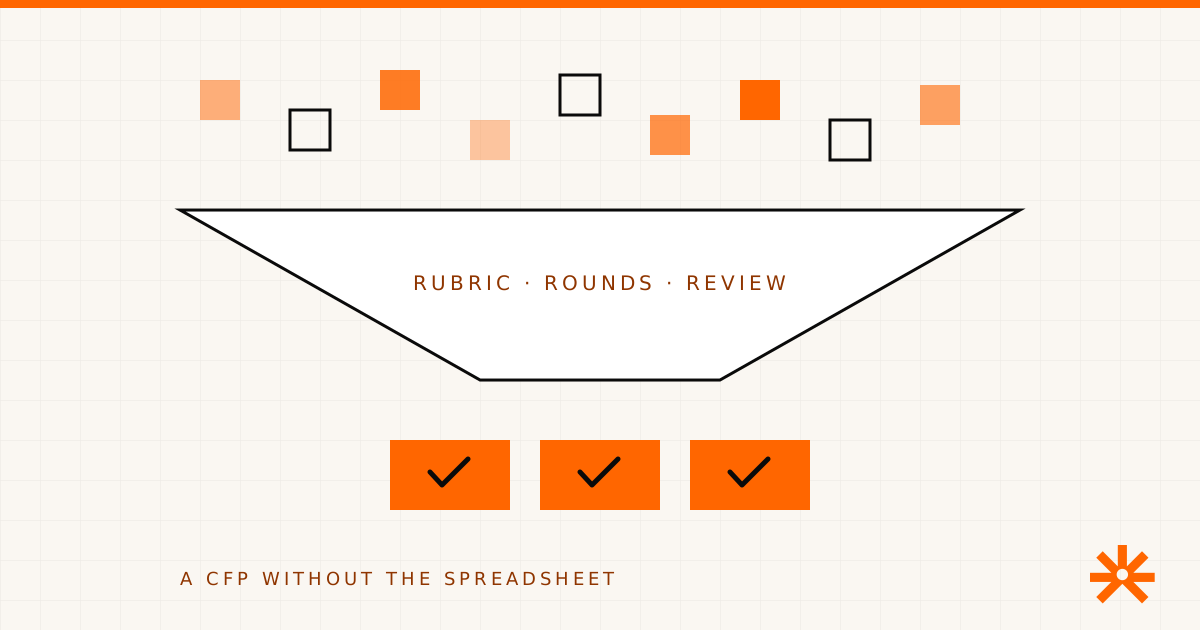
Assign each proposal to reviewers, score against the rubric you wrote in step one, and use rounds to narrow rather than relitigate. The goal isn’t a perfect average — it’s a defensible, consistent decision you can explain to a speaker who didn’t make it. Consistency is what makes a CFP feel fair, and fairness is what keeps good speakers submitting next year.
5. Turn acceptances into the program — without re-keying
An accepted proposal should become a session and a speaker, not get retyped into a different tool. When submitters, proposals, speakers, and the agenda share one system, acceptance is a status change, not a data-entry project — and the speaker’s bio, headshot, and session details are already where the agenda builder needs them.
Where the work actually goes
If you tally where CFP time disappears, almost none of it is the deciding. It’s the reconciling — chasing the latest version, de-duplicating, copying accepted talks into the schedule, and rewriting rough abstracts so the program reads consistently. That’s exactly the busywork AgendaForge is built to remove: the call-for-papers workflow keeps submissions, review, and scheduling in one pipeline, and the AI reads the whole pile for gaps and duplicates and polishes copy in place — with your team approving every call.
You don’t need AI to run a good CFP. You do need it in one place. Start there.