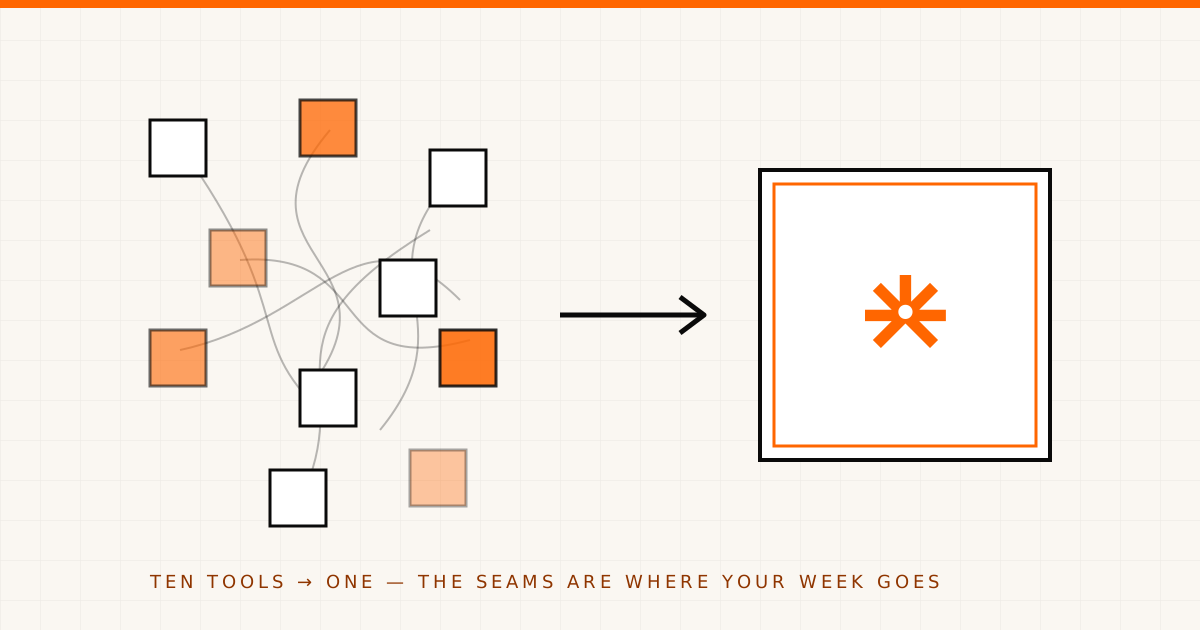
Most events don’t run on one platform. They run on a submissions tool, an agenda spreadsheet, a speaker mailing list, a separate registration page, and an inbox doing the work all four refuse to. None of those tools is bad. The problem is the seams between them — and the seams are where your week goes.
If you’ve ever copied an accepted talk from one tab into another, or emailed a speaker who’d already replied somewhere you weren’t looking, you already know the shape of this. Here’s why it happens, what it actually costs, and a sane order to untangle it.
The ten-tool stack nobody chose on purpose
Nobody sits down and decides to run an event on ten tools. It accrues. You pick a form builder for the call for papers because it was quick. The agenda lives in a spreadsheet because spreadsheets are where agendas have always lived. Speakers get a mailing list because email is universal. Registration is its own product because the people who do registration sell it that way. And the inbox becomes the connective tissue — the place where versions get reconciled and decisions get half-remembered.
Each tool is locally reasonable. The stack is collectively a mess.
The hidden costs you stop noticing
Three taxes get charged on a fragmented stack, and you pay them whether or not you see the line item.
Version drift. The agenda in the spreadsheet, the agenda on the website, and the agenda in your head diverge by Thursday. Someone edited row 14; someone else has yesterday’s export. There is no single answer to “is this current?” because there is no single agenda.
Manual re-keying. Every boundary between tools is a place a human retypes data. An accepted proposal becomes a session by hand. A speaker’s bio gets pasted into the program, then again into the speaker page, then again into the confirmation email. Re-keying isn’t just slow — it’s where typos and stale headshots are born.
No single source of truth. This is the expensive one. When a speaker, a submission, a session, and a registration record live in four systems, no system can answer a whole-event question. “Which confirmed speakers haven’t sent a headshot?” requires three tabs and a guess.
If you can’t answer a basic question about your event without opening three tools, you don’t have an event platform. You have a filing problem wearing ten logos.
A pragmatic order to consolidate
You don’t fix this by buying the biggest suite and migrating everything on a Saturday. You fix it in the order that kills the most re-keying first.
Start with the directory — one place for people. Speakers, sponsors, submitters, and registrants are the same humans showing up in different contexts. When they live in one speaker CRM with tags, notes, and an activity feed, you stop maintaining four contact lists that disagree. This is the foundation, because every other tool is really just a view onto these people.
Then connect the CFP → session → agenda chain. This is where re-keying is worst. When your call for papers feeds directly into sessions and the agenda builder — branded multi-page forms, conditional logic, autosaving drafts, a status pipeline, and reviewer assignment with rubrics and rounds — acceptance becomes a status change, not a data-entry project. The accepted proposal becomes a session, with the speaker already attached. Build the schedule with tracks, rooms, and drag-and-drop, and let Agenda AI suggest open slots and flag room or speaker double-bookings while you build. (Honestly: that’s an authoring-time aid that catches conflicts as you go, not a server-enforced guarantee — you still own the final call.)
Then fold in registration and comms. Once people and program share a home, a public event page, free RSVPs, and templated email with delivery logs stop being separate islands. The person who registered is already in the directory the speaker lives in.
The honest part
AgendaForge consolidates the content lifecycle — directory, CFP, review, sessions, agenda, speaker portals, registration, and email — into one platform, with AI woven into every screen and a human approving every output. That’s the part of the ten-tool stack we’re built to collapse.
Two things we won’t pretend. We’re invite-only today while we onboard design partners, so this isn’t a sign-up-and-go product yet. And registration today is free RSVPs and a public event page — paid ticketing isn’t generally available, so if selling tickets is your whole job, we’re not your checkout. We’d rather you know that now than discover it mid-migration.
If you want the seams to disappear without ripping everything out at once, start with the directory, then the CFP chain, then the rest. See what already connects on the integrations page, and consolidate in the order that gives you back the most time first.
Your event was never supposed to run on ten tools. It just never got asked to run on fewer. Start with the people.