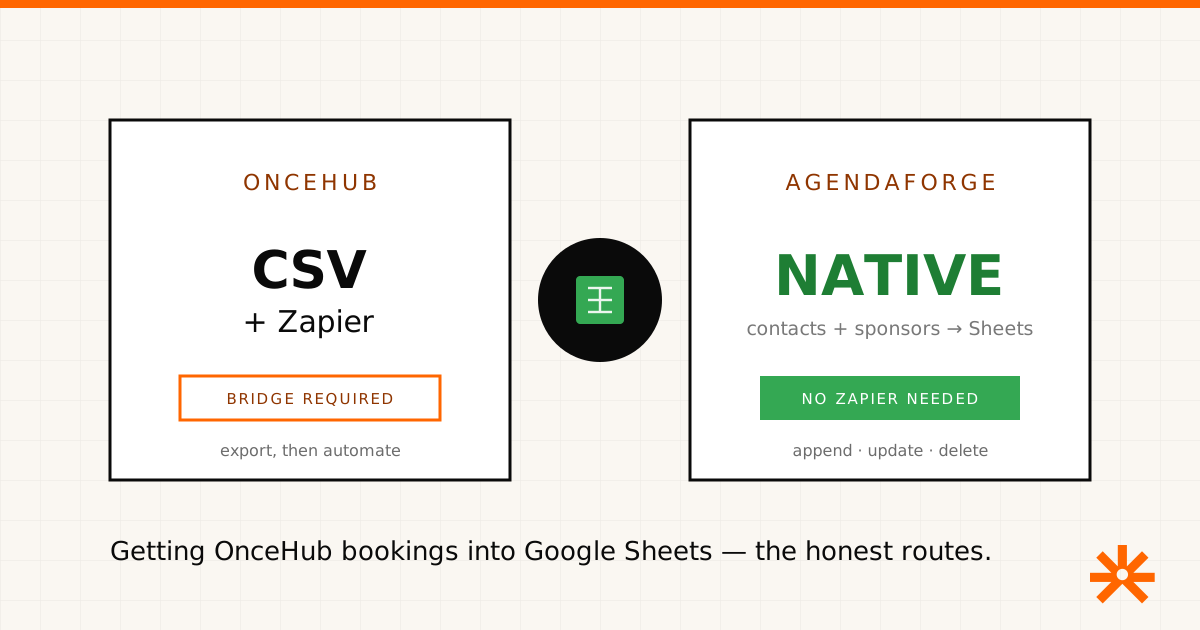
Short answer: OnceHub has no native Google Sheets integration. There’s no switch in OnceHub that keeps a live spreadsheet in sync with your bookings. You have three honest routes — a manual CSV export, a Zapier-style bridge, or a developer build on OnceHub’s webhooks — and they trade off in predictable ways. Below is each one, when to use it, and where a genuinely built-in sync exists if that’s what you’re actually after.
Disclosure: we build AgendaForge, an event management platform with its own native Google Sheets sync. OnceHub is a scheduling tool, not an event platform, so we don’t compete with it — we’ll be clear about where our sync is relevant and where it isn’t. OnceHub details below come from OnceHub’s own public docs and behavior; features change, so verify before you build.
The routes at a glance
| Manual export | Zapier-style bridge | Webhooks + API | |
|---|---|---|---|
| How | Reports → download CSV | Booking trigger → add row | Custom code / Apps Script |
| Tools | OnceHub only | Zapier, Make (paid) | Developer time |
| Freshness | Static snapshot | Live — rows append automatically | Live |
| Cost | Free | Per-task pricing | Build + maintenance |
| Direction | One-way, export | One-way, OnceHub → Sheet | One-way |
| Best for | A quick, one-off pull | An always-current list, no code | Teams with an engineer |
Route 1 — the manual export (free, static)
OnceHub keeps a record of your booking activity, and its reporting views let you download that data as a CSV. Open the file in Google Sheets — or upload it to Google Drive — and you have names, emails, booking times, and the rest of what the booking form captured.
This is the right call when you need a snapshot: a list of tomorrow’s demo calls, a monthly count for a report, a one-time import into another system. What it isn’t is live. The moment someone books, cancels, or reschedules after you export, your sheet is stale. If you’re re-exporting the same report every few hours, that’s the signal to move to route two.
Route 2 — an automation bridge (live, paid)
To keep a sheet continuously current, connect OnceHub to Google Sheets through an automation platform. In Zapier, OnceHub’s booking lifecycle triggers — a booking scheduled, canceled, or rescheduled — feed a Create Spreadsheet Row action, so every new booking appends a row on its own. Make and similar tools do the equivalent with different pricing.
The tradeoffs are the usual ones. You’re adding a paid tool with per-task pricing, a second place for things to break, and a feed that only captures bookings made after you turn it on — history doesn’t backfill. And it’s one-way: nothing you edit in the sheet flows back into OnceHub. For teams already juggling ten tools, it’s one more.
Route 3 — webhooks and the API (live, for developers)
OnceHub also exposes webhooks and an API, so a developer can push booking events straight into a sheet — a small Google Apps Script that receives the webhook and appends a row is a common pattern. It’s free of per-task pricing and fully under your control, but now you own code: auth, retries, schema changes, and the afternoon it silently stops working. Worth it if you have engineering time; overkill if a Zap does the job.
When a native sync is what you actually want
Here’s the honest scoping. If all you need is meeting bookings in a spreadsheet, one of the three routes above is your answer — AgendaForge doesn’t do scheduling and won’t help. But if the reason you’re wiring tools to spreadsheets is that your event’s data — registrants, speakers, sponsors — is scattered across disconnected systems, the durable fix is fewer bridges. AgendaForge’s Google Sheets integration is built in: connect Google once, pick a sheet through the Google Picker, map fields to columns, and event contacts and sponsors sync automatically — rows append when a record is added, rewrite in place when it changes, delete when it’s removed. No Zapier, no per-task bill. Registrants become contacts, so registration data lands in the sheet the same way.
Two honest caveats: it’s one-way and scoped to contacts and sponsors, and AgendaForge does free registration and RSVPs, not paid ticketing (that’s behind a flag, not generally available). There’s also no native OnceHub integration — the two simply sit side by side.
So: for meeting bookings in a sheet, use OnceHub’s export, a Zapier bridge, or its webhooks. For an event whose directory should already be in Google Sheets without a middleman, that’s the gap AgendaForge was built to close. Our pricing is published — $2,000 per event (Core) or $4,000 (Pro), on the pricing page — and we’re invite-only while we onboard early partners. Tell us about your event and we’ll take it from there.