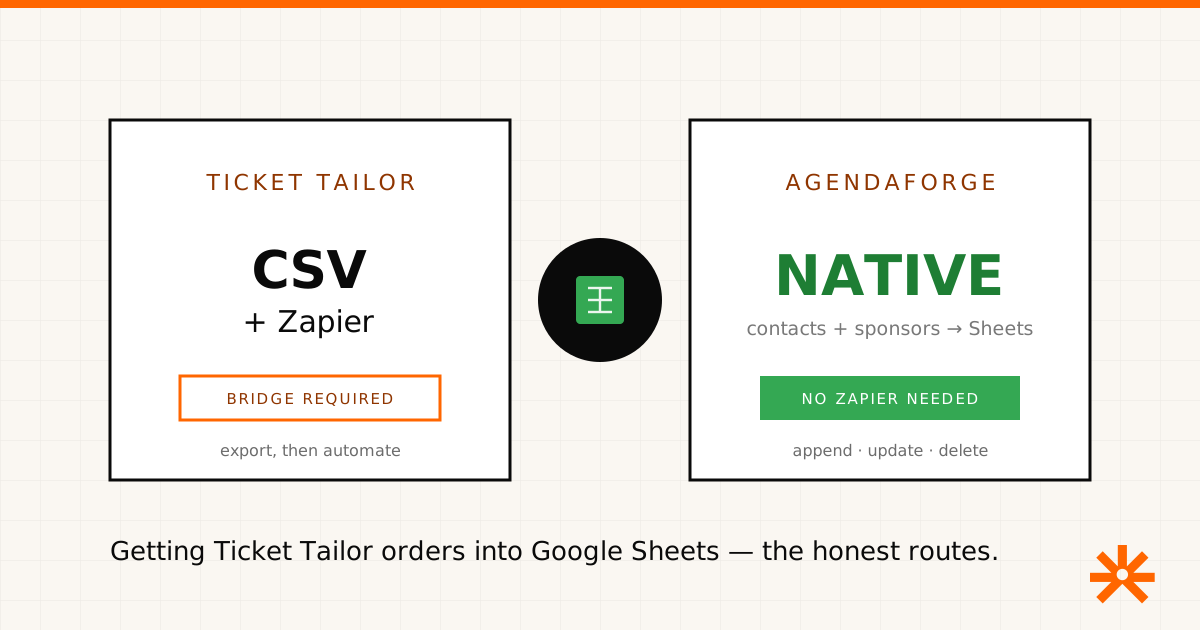
Short answer: Ticket Tailor has no native Google Sheets integration. There’s no switch in your box office that keeps a live spreadsheet in sync with ticket sales. You have three honest routes — a manual CSV export, a Zapier-style bridge, or a developer build on Ticket Tailor’s webhooks — and they trade off in predictable ways. Below is each one, when to use it, and where a genuinely built-in sync exists if that’s what you’re actually after.
Disclosure: we build AgendaForge, an event platform that overlaps with parts of Ticket Tailor and has its own native Google Sheets sync. We’ll be clear about where it fits and — just as importantly — where it doesn’t. Ticket Tailor details below come from Ticket Tailor’s own public docs and behavior; features change, so verify before you build.
The routes at a glance
| Manual export | Zapier-style bridge | Webhooks + API | |
|---|---|---|---|
| How | Dashboard → export CSV | New-order trigger → add row | Custom code / Apps Script |
| Tools | Ticket Tailor only | Zapier or similar (paid) | Developer time |
| Freshness | Static snapshot | Live — rows append automatically | Live |
| Cost | Free | Per-task pricing | Build + maintenance |
| Direction | One-way, export | One-way, Ticket Tailor → Sheet | One-way |
| Best for | A quick, one-off pull | An always-current list, no code | Teams with an engineer |
Route 1 — the manual export (free, static)
Ticket Tailor’s native export is solid. From your box office dashboard, open the event’s attendee or order views and export the data as a CSV — buyer names, emails, ticket types, order details, and answers to your checkout questions. The file opens straight into Google Sheets or Google Drive.
This is the right call when you need a snapshot — a door list the morning of the event, a quick sales count for a sponsor, a one-time import into another system. What it isn’t is live: the moment someone buys a ticket after you export, your sheet is stale. If you’re re-exporting the same report every few hours during on-sale week, that’s your signal to move to route two.
Route 2 — an automation bridge (live, paid)
To keep a sheet continuously current, connect Ticket Tailor to Google Sheets through an automation platform. In Zapier, the pattern is a trigger on new orders or newly issued tickets wired to a Create Spreadsheet Row action — every sale appends a row on its own. Other automation tools offer the same pattern with different pricing.
The tradeoffs are the usual ones, and worth naming. You’re adding a paid tool with per-task pricing, a second place for things to break, and a feed that only captures orders placed after you turn it on — historical sales don’t backfill. And it’s one-way: nothing you edit in the sheet flows back into Ticket Tailor. For teams already juggling ten tools, it’s one more.
Route 3 — webhooks and the API (live, for developers)
Ticket Tailor also has a developer-facing API and webhooks, so an engineer can push order events straight into a sheet — a small Google Apps Script that receives the webhook and appends a row is the classic pattern. No per-task fees and full control, but now you own code: auth, retries, schema changes, and the quiet afternoon it stops working. Worth it if you have engineering time and unusual requirements; overkill if a Zap does the job.
When a native sync is what you actually want
If the reason you’re wiring Ticket Tailor to a spreadsheet is that your whole event lives across disconnected tools, the honest fix isn’t a better bridge — it’s fewer bridges. This is where AgendaForge differs: its Google Sheets integration is built in. You connect Google once, pick a specific sheet through the Google Picker, map fields to columns, and event contacts and sponsors sync automatically — rows append when a record is added, rewrite in place when it changes, and delete when it’s removed. No Zapier, no per-task bill. Registrants become contacts, so registration data flows to the sheet the same way.
Two honest caveats, because they matter for this exact decision:
- It’s one-way and scoped to contacts and sponsors — not a two-way sync, and not orders or raw form submissions.
- AgendaForge does free registration and RSVPs, not paid ticketing (that’s behind a flag, not generally available). So if you’re selling tickets, Ticket Tailor does a job AgendaForge doesn’t — and the two can sit side by side rather than one replacing the other.
If you sell paid tickets and just need them in a sheet, use Ticket Tailor’s export or a Zapier bridge — they’re the right tools. If you’re running the content and registration side of an event and want your directory to already be in Google Sheets without a middleman, that’s the gap AgendaForge was built to close. Our pricing is published — $2,000 per event (Core) or $4,000 (Pro), on the pricing page — and we’re invite-only while we onboard early partners. Tell us about your event and we’ll take it from there.